What players say
Cartographer provides a focused puzzle experience that rewards careful observation. The time limit adds gentle pressure without feeling stressful. Each dungeon is different, offering good replay value. The controls are simple, and the visuals are clear. It is a solid choice for players who enjoy logic and exploration games. The game respects your time and does not include ads or in-app purchases.
About this game
Game Introduction
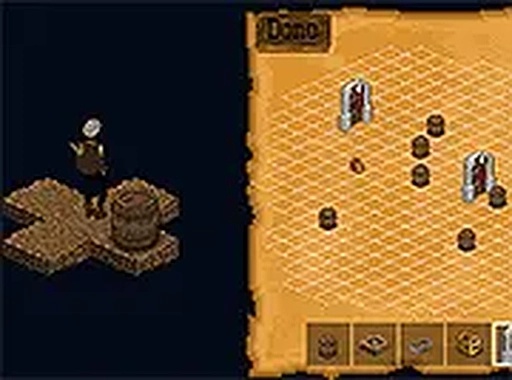
Cartographer Online Puzzle Game places you in the role of a map-maker exploring a mysterious dungeon. Your task is to navigate rooms and corridors, locate traps, treasures, and secret doors, and mark them accurately on your map. The game tests your ability to observe details and remember the layout under time pressure. Designed for desktop browsers, it offers a clean visual style and straightforward controls. No downloads are required, and you can play in full screen for a more focused experience. This free game provides a satisfying mental workout for anyone who enjoys puzzles and exploration.
How to Play
To play Cartographer, use your keyboard and mouse to move your character through the dungeon. Explore each room and corridor carefully. When you spot a trap, treasure, or mysterious door, click to mark it on your map. Pay attention to your surroundings to avoid missing important features. You have a limited time to complete the map, so work efficiently. The game is easy to learn and does not require special skills. Use full screen mode for a better view of the dungeon layout.
Game Features
Game features include: Explore procedurally generated dungeons. Mark traps, treasures, and mysterious doors on your map. Complete your map within a time limit. Free to play with no download needed. Full screen mode for immersive gameplay. Clean, family-friendly graphics and sound.
Tips for Success
Take your time to thoroughly explore each room before moving on. Use the map markers consistently to avoid confusion. Practice memorizing room layouts to improve your speed. Focus on efficiency by planning your route through the dungeon. Regular short sessions can help sharpen your observation skills.