What players say
Zone Defender offers a focused and rewarding shooting experience. The three-minute time limit creates a sense of urgency that keeps you engaged. Controls are responsive and the full screen mode enhances the action. The game is simple to learn but requires practice to survive the entire duration. It is ideal for short breaks and has good replayability as you try to improve your performance. A solid choice for fans of arcade-style shooters.
About this game
Game Introduction
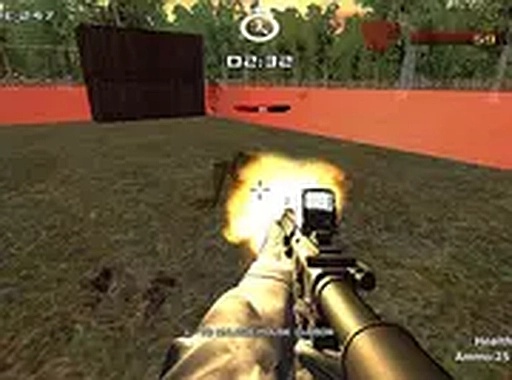
Zone Defender is a 3D shooting game that puts your survival skills to the test. You are tasked with protecting your zone from relentless waves of enemies. The game is designed for quick, intense sessions where every second counts. With a clear objective to survive three minutes, it offers a focused and rewarding challenge. The full screen mode enhances the immersive experience, making you feel right in the middle of the action. This game is free to play directly in your browser, so there are no barriers to start playing. It is a great choice for anyone who enjoys fast-paced, strategic gameplay that requires quick thinking and precise aim.
How to Play
To play Zone Defender, use your keyboard and mouse on a desktop computer. Move your character with the keyboard keys and aim with your mouse. Click to shoot at the incoming enemies. Your main goal is to defend your zone by eliminating all threats before they reach you. The game lasts three minutes, so you must manage your ammunition and prioritize targets wisely. Stay alert and keep moving to avoid being overwhelmed. The game runs smoothly in full screen mode, which you can activate for a better view. No special setup or downloads are required. Just open your browser, load the game, and start playing immediately.
Game Features
Zone Defender includes fast-paced 3D shooting action. It is optimized for desktop controls with keyboard and mouse. The game is free to play in your browser without any downloads. A full screen mode is available for an immersive experience. The core challenge is a three-minute survival test that demands focus and skill.
Tips for Success
You will enjoy Zone Defender for its straightforward and intense gameplay. It is easy to pick up but hard to master. The short session length makes it perfect for a quick break. The challenge of beating your own best score adds replay value.